Get AloudMe

Book reader · for iPhone and iPad

Read every book. Hear it when you want to.

AloudMe is a calm book reader first. Tap play and a natural voice reads to you, sentence by sentence, with the line lit up so you never lose your place. Free, with no ads and no tracking.

Get AloudMe on the App Store

Coming soon to the App Store. Android later.

Sample book

Chapter one

Try it · live demo

Follow the lit sentence

Play or pause, skip a sentence, or change the speed with the buttons on the screen. The sentence being read lights up, so your eyes always know where the voice is.

Now
Sentence 1 of 6
Speed
1×
Mark
lit sentence = the one being read

Press play to hear it. The voice is machine-generated: it is AloudMe’s own natural voice, the one that reads on your device, with no internet needed.

  • 15languages with natural voices that run on your device
  • 2×top listening speed, plus a sleep timer
  • 9file types, plus pasted text and web articles
  • 0ads and trackers. Your books stay on your device

Chapter 1 · What it does

A reader that can also read to you.

The page comes first. The voice is there when your eyes are tired, your hands are busy, or you would rather listen.

1.1 Listen

Natural voices, right on your device

Voices that sound like a person reading, with the small pauses a storyteller leaves between sentences. They come inside the app and work offline.

  • The sentence being read lights up on the page
  • Speed up to 2× and a sleep timer
  • Keeps reading with the screen locked; play, pause and skip from the lock screen or headphones
  • Character voices: a woman's line read by a woman, a man's by a man

Natural on-device voices

  • ENEnglish
  • ESSpanish
  • FRFrench
  • DEGerman
  • ITItalian
  • PTPortuguese
  • NLDutch
  • RURussian
  • PLPolish
  • TRTurkish
  • ARArabic
  • HIHindi
  • IDIndonesian
  • JAJapanese
  • KOKorean

Many other languages use the voices built into your iPhone or iPad.
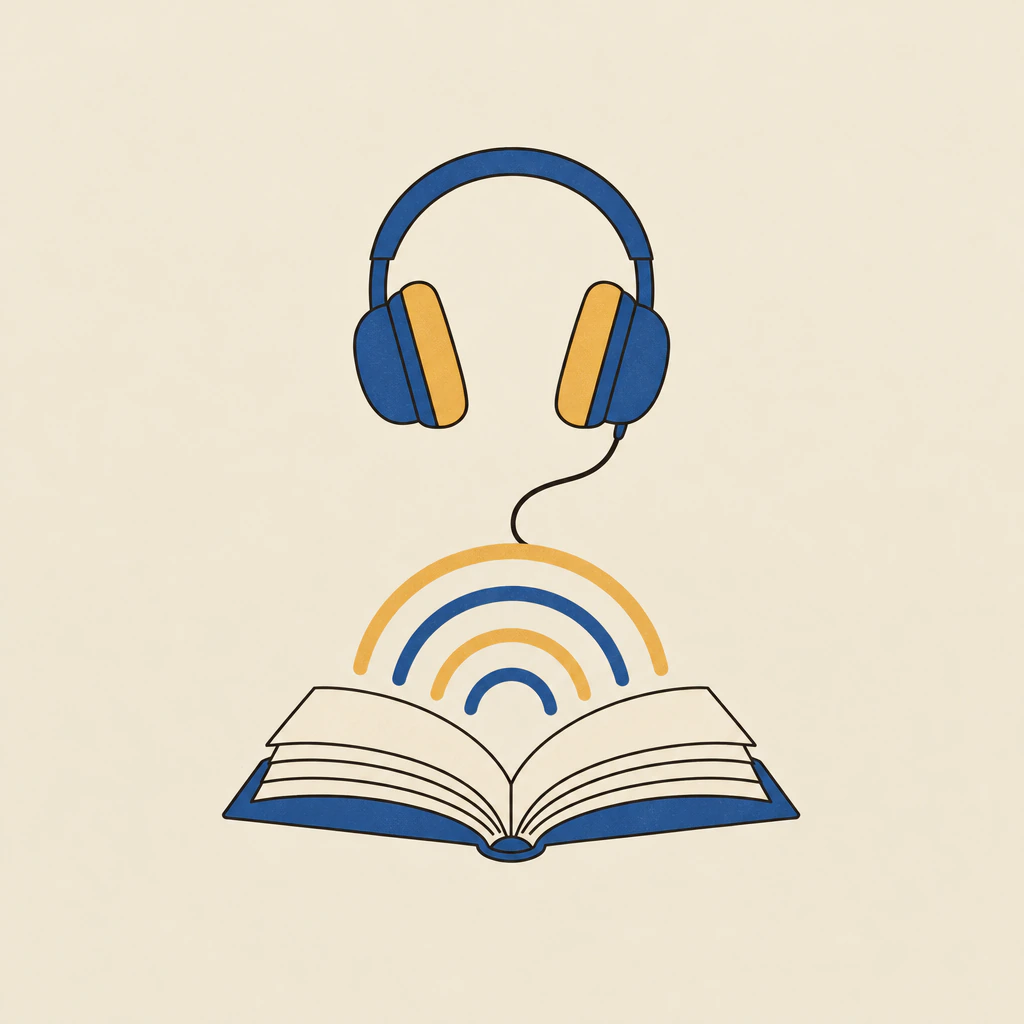
Illustration: an open book with arcs of sound rising from its pages towards a pair of headphones
1.2 Bring any book

Your files, your notes, that long article

Open the books you already have. Paste text from anywhere. Add a link to an article and AloudMe keeps the article itself, leaving out the menus and ads around it.

  • EPUB
  • PDF
  • Word
  • MOBI
  • AZW3
  • FB2
  • TXT
  • Markdown
  • HTML
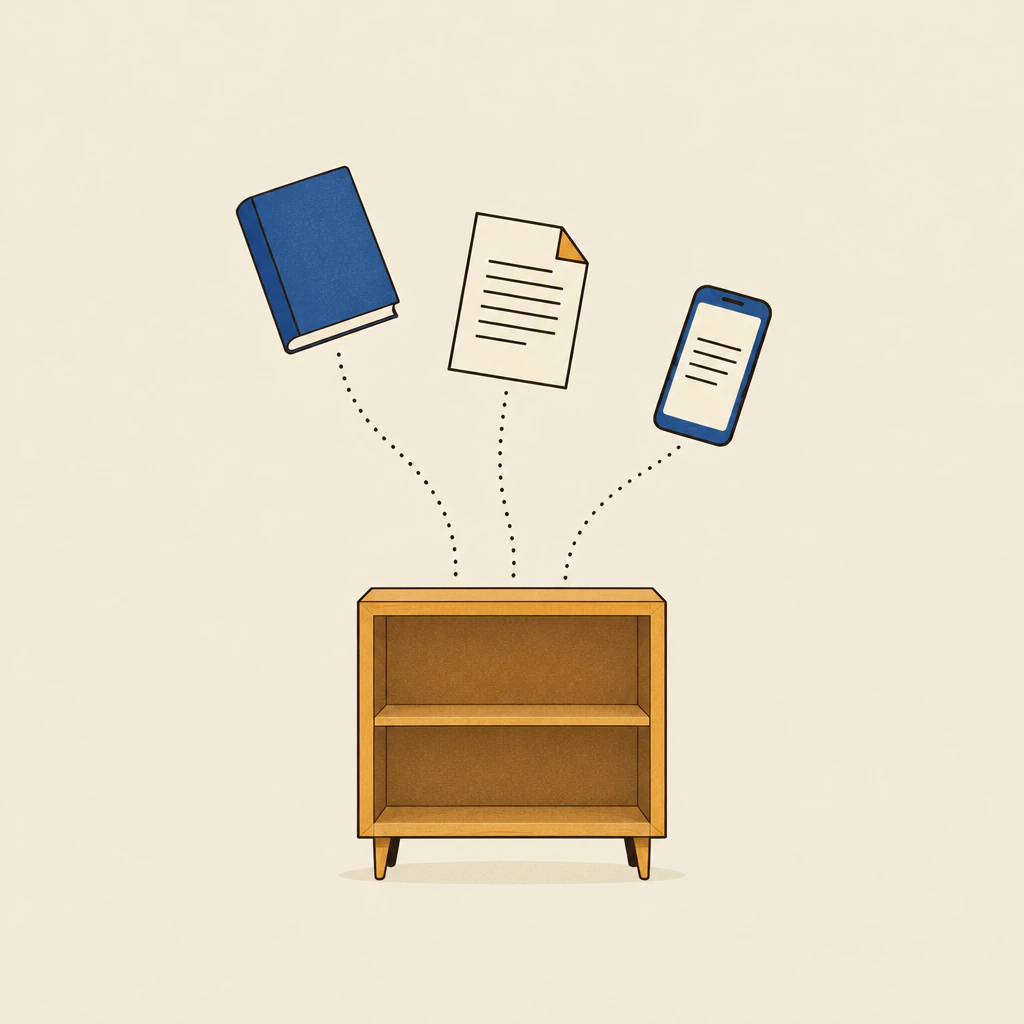
Illustration: a book, a document and a mobile device dropping along dotted paths into a small bookshelf
1.3 Reading habit

A small daily goal you can keep

Set a daily goal and watch the ring fill as you read or listen. Keep a streak going, and see this week next to last week.

Just enough to notice you are reading more.

This week2h 20m
Last week1h 40m
Streak
  1. M
  2. T
  3. W
  4. T
  5. F
  6. S
  7. S
Example numbers, drawn for this page.
1.4 Reading comfort

A page that is easy on your eyes

Pick the page that suits the light you are in. An anti-glare page with a warm tint, a paper page in the style of e-ink, or dark mode for night.

  • Any text size from 70% to 250%
  • Serif or sans, whichever you read best

It was late, and the lamp was low.

Anti-glare

It was late, and the lamp was low.

Paper

It was late, and the lamp was low.

Dark
70%text size250%

Chapter 2 · Adding books

Four ways in. One of them works by itself.

Everything you add lands in your library on your device, ready to read or hear.

  1. Open a file

    EPUB, PDF, Word, MOBI, AZW3, FB2, TXT, Markdown or HTML. Pick it in AloudMe from Files or iCloud Drive.

  2. Paste text

    Notes, a chapter from an email, a study handout. Paste it and it becomes a book you can listen to.

  3. Add an article from a link

    AloudMe keeps the article and leaves out the menus and ads.

  4. Drop it in the AloudMe folder

    AloudMe has its own folder in iCloud Drive. Put a book in it, from your iPhone, iPad or Mac, and it is added to your library by itself.

iCloud Drive
  • AloudMe
  • field-notes.epub in library
  • lecture-week-3.pdf in library
  • spanish-reader.docx adding

Example files. Anything you put in this folder shows up in AloudMe without you opening it.

Chapter 3 · Privacy

Your books are yours. They stay with you.

AloudMe has no ads and no tracking. Here is what stays with you, and the little that leaves.

Stays on your device

Your library

  • Your books and their textStored only on your device, in an encrypted library. We never see them.
  • Notes, bookmarks and reading historyKept on your device too.
  • ListeningThe natural voices run on the device itself, so no text is sent anywhere to make the audio.

Leaves your device

Only the basics

  • Your email, only if you sign inSigning in is optional. Reading and listening work without it.
  • A random account IDMade when you first open the app. No name, no email.
  • Links you addYour device fetches the article straight from the website, like a browser. We don't see the link.

Always in your hands

Your data

  • Export it any time
  • Delete it any time
  • No ads. No tracking.Read the full Privacy Policy.

Chapter 4 · Free

Free to read. Free to listen.

Everything on this page is free: the reader, the natural voices, the lit sentence, the reading goal and every way of adding books.

  • 4.1 Ads

    No ads

    Nothing between you and the page.

  • 4.2 Tracking

    No tracking

    No analytics or tracking tools, and your books stay on your device.

  • 4.3 Sign-in

    No sign-in needed

    Open the app and start reading. Signing in is optional.

Chapter 5 · Questions

Short answers.

Can I open books I bought in Kindle or Apple Books?

No. Books bought in Kindle or Apple Books are copy-protected, so other apps, AloudMe included, can't open them. Books without copy protection work fine, in any of the file types listed above.

Does it work offline?

Yes. Reading works offline, and so does listening with the natural voices, because they come inside the app and run on your device. Adding an article from a link needs a connection.

Which languages can it read aloud?

Natural on-device voices cover English, Spanish, French, German, Italian, Portuguese, Dutch, Russian, Polish, Turkish, Arabic, Hindi, Indonesian, Japanese and Korean. Many other languages are read with the voices built into your iPhone or iPad.
Does it work on iPad?

Yes. AloudMe runs on iPhone and iPad, with the same natural voices, reading pages and ways to add books.

What happens to my books and data?

Your books and their text stay on your device, in an encrypted library. They are never sent to us, so we never see them. You can export your data or delete it any time.

Is AloudMe free?

Yes. Reading, listening with the natural voices and adding books are all free, with no ads and no tracking. You don't need to sign in.

Does it keep reading when my screen is locked?

Yes. Play, pause and skip from the lock screen or your headphones, and set a sleep timer if you are listening in bed.

Is there an Android version?

AloudMe is coming to iPhone and iPad first. Android is planned for later.

AloudMe app icon: an open cream book with amber sound waves on blue

Your next book, read your way.

Free to download. Read on the page, or press play.

Get AloudMe on the App Store

Coming soon to the App Store